
















5 Best AI Tools for Songs and Lip-Sync Performance Videos
A believable singing video starts with a performance the viewer can follow. The voice needs a clear musical phrase, the face needs enough detail to carry it, and the mouth movement must match both quick syllables and held notes. If any of those pieces drift apart, the illusion breaks before the song has a chance to land.
This shortlist moves from making the track to presenting it through an on-screen performer. Some tools belong at the audio stage and others at the visual stage; together they show the choices behind a song-led lip-sync video.
The Five Tools
1. AISong
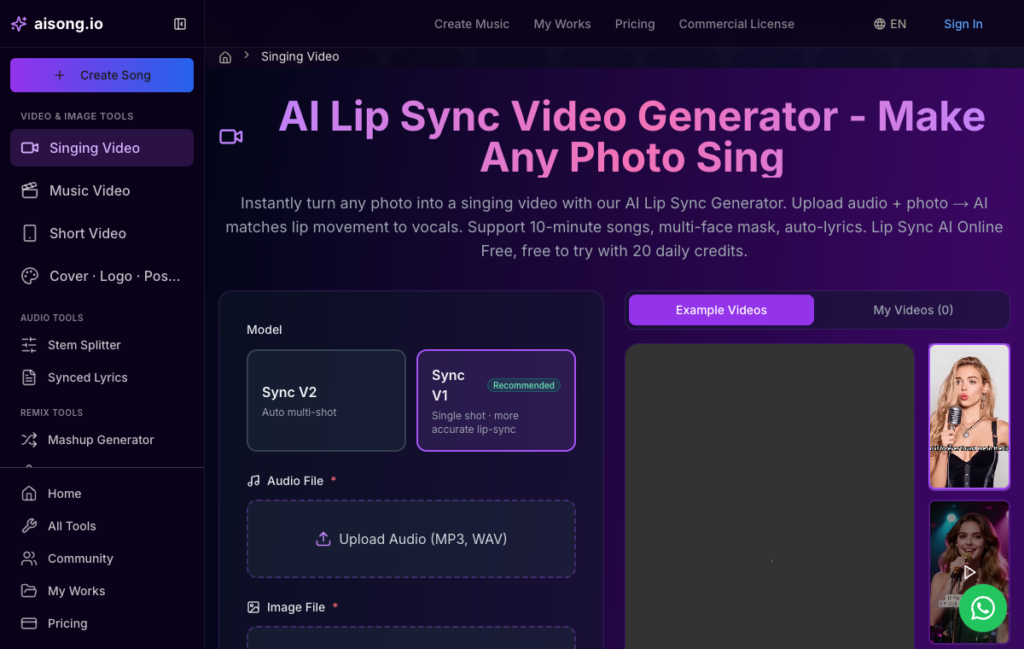
Product view: AISong
Contribution to the Performance
AISong’s singing-video workflow accepts an MP3 or WAV file plus a portrait and offers models for single-shot accuracy or automatic multi-shot output. The page also describes front-facing images, multi-face masking, synchronized lyrics, and longer music inputs.
How to Run a Difficult Test
Test the AI Lip Sync Video Generator Free with a clear portrait and a short section containing both sustained vowels and faster consonants. If multiple people appear, assign the intended singer rather than letting every face animate. A chorus is a better diagnostic than an easy, slow intro.
Best Character or Creator Use
AISong is the specialist choice when the final asset must look like a person or character is performing the track. It suits virtual artists, illustrated singers, novelty characters, and creators who have strong audio but no filmed vocalist.
2. MakeSong
Product view: MakeSong
Contribution to the Performance
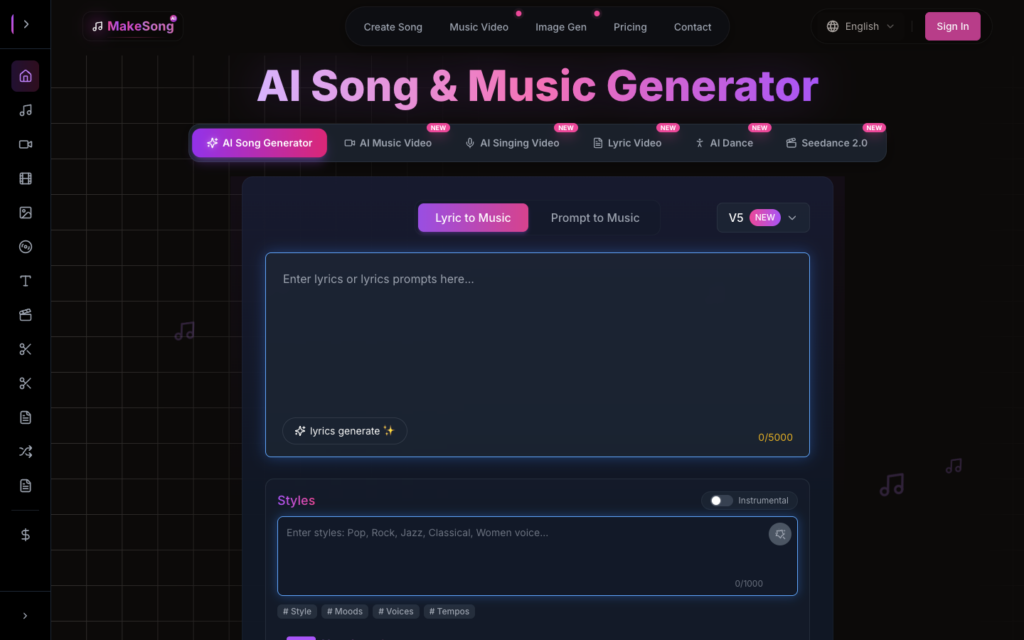
MakeSong provides the performance that the portrait must sell. Its main song workspace can begin with lyrics or a descriptive prompt, then shape style, mood, voice, tempo, duration, and creativity before generating the audio.
How to Run a Difficult Test
Use the AI Song Generator to design for the eventual face: choose a vocal character that matches the portrait, keep diction clear, and avoid an overcrowded lyric during the first lip-sync test. Audio and image should feel like the same performer before any animation is added.
Best Character or Creator Use
MakeSong is best when the singing video still lacks an original track. The strongest pairing is sequential—create and approve the vocal performance in MakeSong, then use AISong to animate the chosen face against the final audio.
3. Hedra
Product view: Hedra
Contribution to the Performance
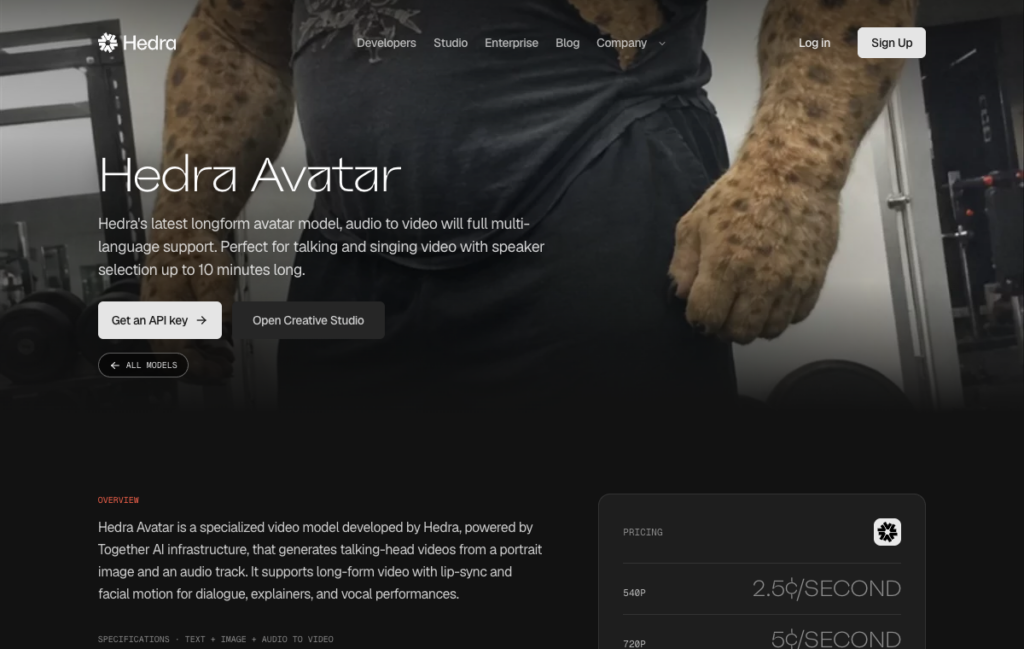
For this comparison, Hedra is included to animate a singing character from a portrait and an approved track. Hedra Avatar is an audio-driven character-video model that can turn a portrait and a vocal track into a singing performance. Its official model page specifically includes singing video, making it a closer comparison for music lip sync than a general talking-avatar tool.
How to Run a Difficult Test
Start with a clear face and a clean vocal passage. Match the character’s expression to the song’s emotional tone, and inspect held notes and fast syllables before rendering a longer segment. Hedra also offers a behavior prompt for guiding the avatar’s performance. For a performance concept, test voice, face, and lyrical character together; technical novelty cannot compensate when those three feel mismatched.
Best Character or Creator Use
Hedra suits a character-led singing shot built from a portrait; its strongest use is a focused performance rather than a sequence of unrelated scenes.
4. HeyGen
Product view: HeyGen
Contribution to the Performance
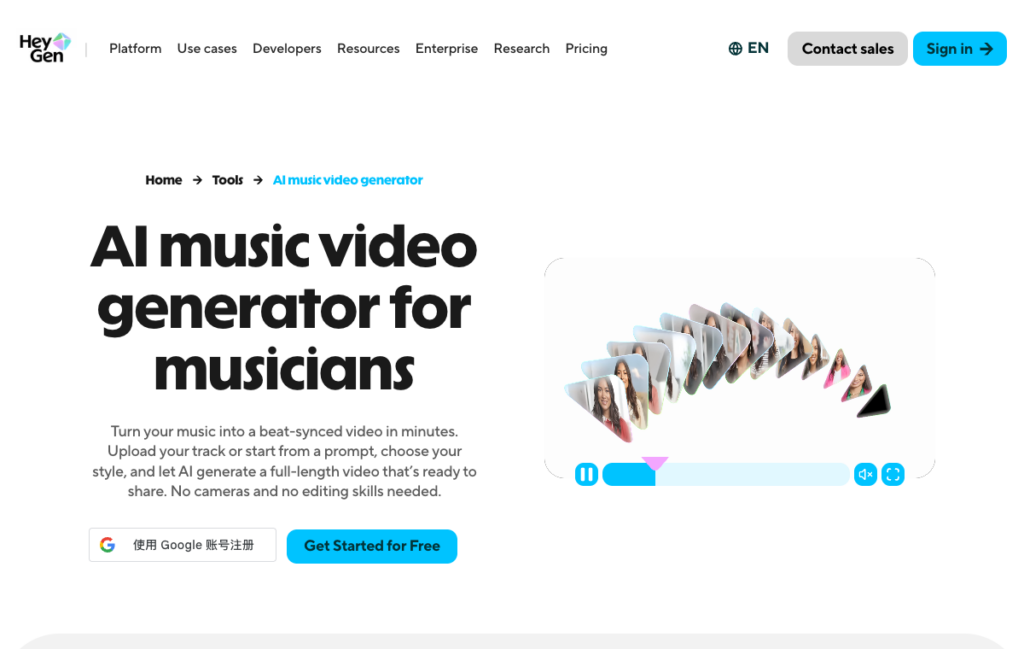
For this comparison, HeyGen is included to build a consistent on-screen singer across music-video scenes. HeyGen’s music-video page describes beat-synced scenes and a consistent on-screen performer with singing lip sync. That places it in direct competition for artists who want a filmed-looking vocal performance rather than an audio visualizer.
How to Run a Difficult Test
Upload the finished song or begin with a clear musical direction, choose a stable performer identity, and compare the singer’s mouth movement with the vocal track. For promotional edits, select a chorus scene that reads clearly on a phone. For a performance concept, test voice, face, and lyrical character together; technical novelty cannot compensate when those three feel mismatched.
Best Character or Creator Use
HeyGen is the option to examine when one recognizable singer must remain consistent across several music-video scenes and short promotional cuts.
5. Sync Labs
Product view: Sync Labs
Contribution to the Performance
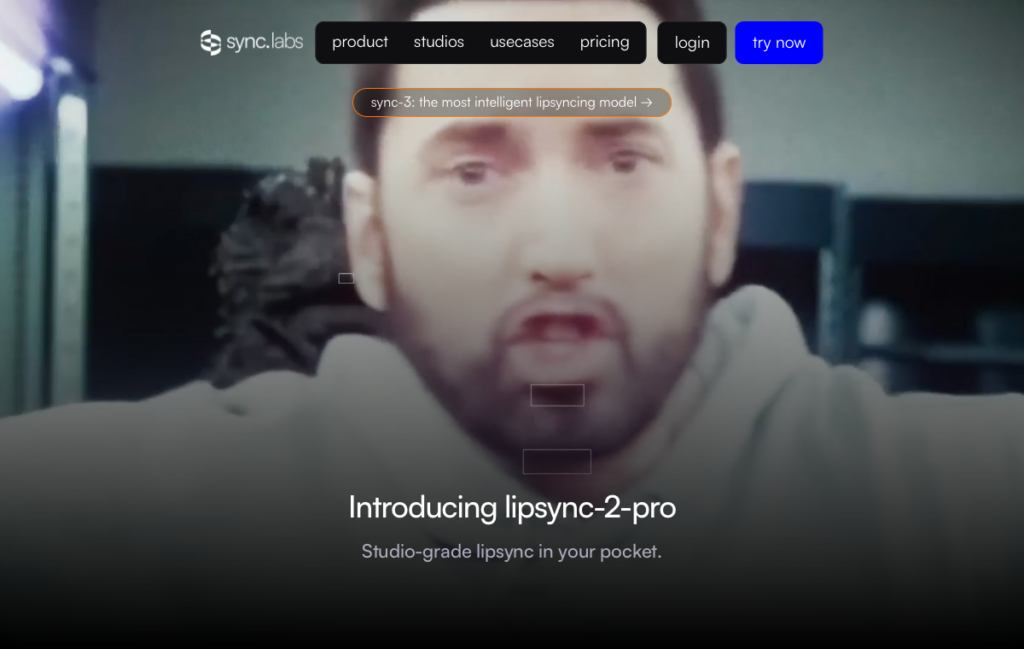
For this comparison, Sync Labs is included to synchronize existing performance footage to a finished song. Sync Labs specializes in synchronizing an existing face video to a new audio track. Its documentation explicitly supports singing and recommends isolating vocals when instrumental sound interferes with mouth alignment.
How to Run a Difficult Test
Prepare footage with a visible, naturally moving face, then supply the clean vocal track. Review sustained vowels, rap-like consonants, and head turns. Unlike portrait-animation tools, Sync Labs is most naturally a repair or localization step for existing video. For a performance concept, test voice, face, and lyrical character together; technical novelty cannot compensate when those three feel mismatched.
Best Character or Creator Use
Sync Labs belongs at the post-production end of this chain: it aligns existing face footage with revised song audio, but does not supply the song or the original video.
Audio Casting Comes Before Face Animation
MakeSong helps create the vocal performance; AISong turns a suitable portrait into the on-screen singer. Hedra also animates a singing portrait, HeyGen builds performer-led music video scenes, and Sync Labs adapts existing face footage to a new track. A believable result begins by matching song, voice, and face as one character. Lip-sync quality matters, but it cannot repair a casting mismatch created earlier in the workflow.
Editorial note: Features, credits, limits, and licensing terms may change. Verify the current product page and plan terms before commercial publication.