

















6 Social Media Scheduling Tools With Built-In AI for Agencies
Yes, social media scheduling tools can include built-in AI content generation. Every tool on this list includes AI assistance, but drafting captions, rewriting text, creating images and helping with replies are different jobs, and availability varies by plan.
For digital marketing agencies, AI is only part of the decision. We compared six schedulers on client organization, approvals, reporting and billing structure, using each vendor’s own pricing information checked on October 15, 2026.
Key Takeaways
- Cloud Campaign is our top pick for multi-client agencies, with workspace-based client management, unlimited users and approval workflows on every plan.
- Sendible includes unlimited users, with approvals starting on its Plus plan.
- SocialPilot Premium combines client approval, bulk scheduling and white-label reports.
- Buffer offers a free entry point, and its Team plan adds approval workflows.
- Hootsuite and Sprout Social suit inbox and customer-care work, with per-user or per-seat billing.
What does built-in AI do in a social media scheduler?
Built-in AI handles tasks that used to sit between the content calendar and a separate writing tool. In a scheduler, it usually covers four jobs:
- Draft generation: creating a first caption or post from a short instruction
- Rewriting: adapting existing copy for tone, length or a different network
- Image creation: producing visuals for a post
- Reply assistance: helping draft responses to comments and messages
An AI label doesn’t mean a tool does all four. Check the documented function and plan eligibility against the work your agency needs, and keep a person reviewing AI-assisted content before it goes live.
6 best social media scheduling tools with built-in AI
| Tool | Agency use case | Built-in AI | Approvals | Pricing basis |
| Cloud Campaign | Social media management software built for agencies managing multiple clients | CaptionAI, ImageAI and AI Social Inbox on every plan | Every plan, including multi-level approvals | Unlimited users on all plans; 14-day free trial |
| Sendible | Workspace and profile bundles with unlimited users | AI Assist for captions and rewriting | From Plus | Bundled plans; Plus is $99/month |
| SocialPilot | Account and user bundles | AI assistance with credit allocations | Manager approval on Standard; client approval on Premium | Premium is $100/month or $85/month billed annually |
| Buffer | Small channel portfolios | AI Assistant on Free, Essentials and Team | Team plan | Per channel; Team is $10/month per channel billed annually |
| Hootsuite | Publishing and inbox work | AI post and image generation on Standard | Advanced plan | Per user, billed annually |
| Sprout Social | Engagement and customer care | Post enhancement on Professional; reply enhancement on Advanced | Confirm with vendor | Per seat; Professional is $299/month billed annually |
1. Cloud Campaign
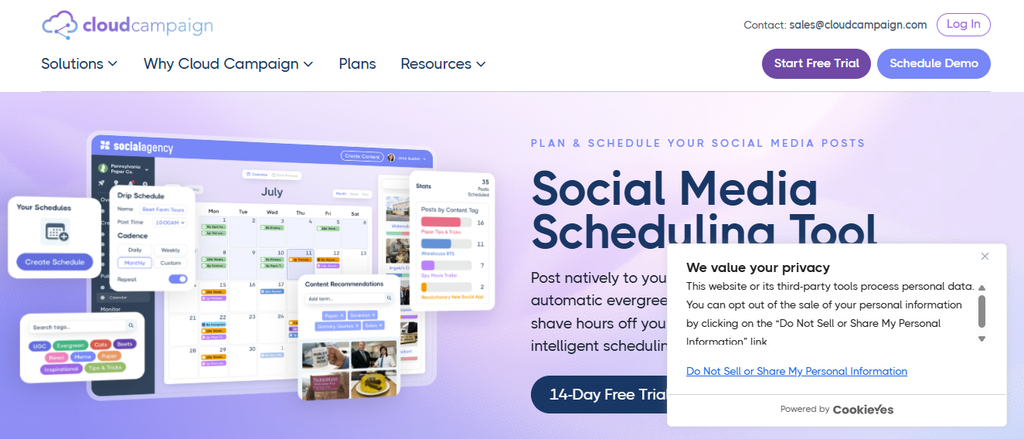
Use case: Cloud Campaign is social media management software built for agencies managing multiple clients. Its workspace-based client management keeps each client’s content, approvals and reporting separate.
Key features:
- AI tools on every plan: CaptionAI, ImageAI and AI Social Inbox
- Approvals: approval workflows on every plan, including multi-level approvals
- Publishing: direct publishing to Facebook, Instagram, LinkedIn, Pinterest, YouTube, Google Business Profile, TikTok and Threads
- Content operations: evergreen recycling, category-based scheduling and bulk import from Google Drive, RSS and CSV
Pricing: Every plan includes unlimited users and one-click reporting, with white-labeled reporting on the Team and Agency plans. A 14-day free trial is available.
Considerations: White-labeled reports are part of the Team and Agency plans, so factor that in if client-branded reporting matters. Cloud Campaign is also SOC 2 Type 2 compliant.
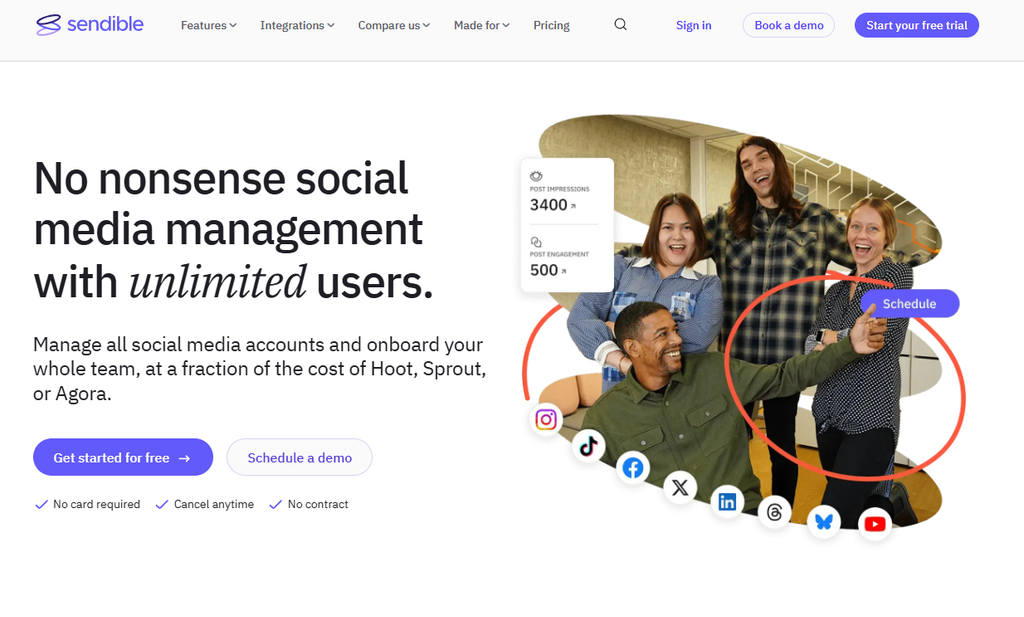
2. Sendible
Use case: Sendible suits agencies that want unlimited users within defined workspace and profile bundles.
Key features:
- AI Assist: caption generation and rewriting
- Workspaces: Core includes one, Plus three, Premium seven, Elite 15 and Enterprise 50
- Reporting: branded reports from Premium
Pricing: Sendible’s US pricing widget lists monthly-billed prices of $35 for Core, $99 for Plus, $199 for Premium, $299 for Elite and $750 for Enterprise. A 14-day trial is available.
Considerations: Assignment and approvals start on Plus, and white-labeling is an add-on on Elite and Enterprise.
3. SocialPilot
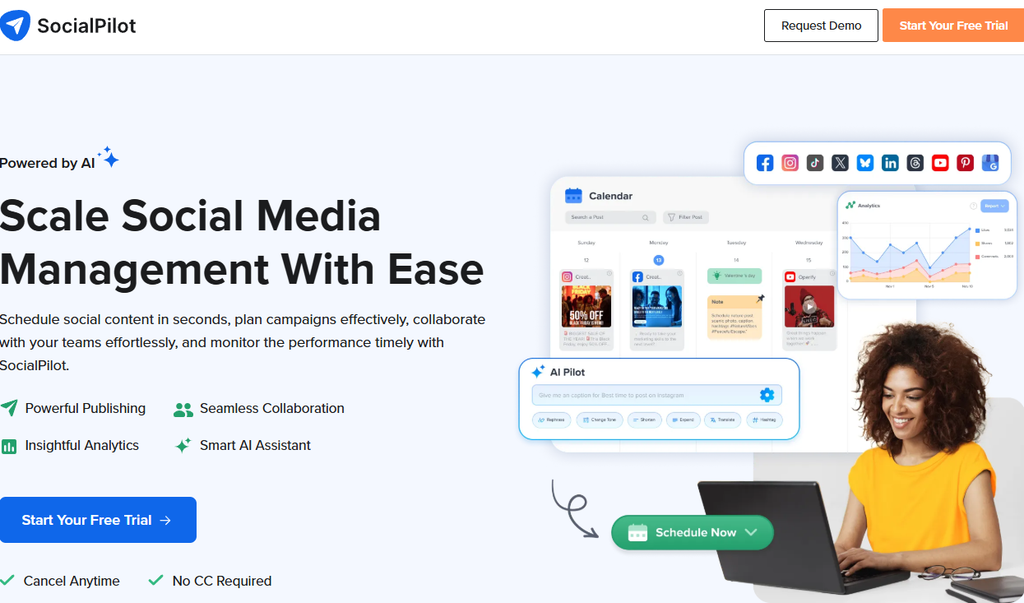
Use case: SocialPilot fits agencies that want client approval, bulk scheduling and white-label reports packaged together on Premium.
Key features:
- AI assistance: included on every plan, with 500 credits on Essentials, 1,000 on Standard and 5,000 on Premium
- Plan bundles: Standard includes 15 accounts and three users, and Premium includes 25 accounts and six users
- Integrations: Canva, Slack and Zapier
Pricing: Monthly-billed prices are $30 for Essentials, $50 for Standard, $100 for Premium and $200 for Ultimate. Annual-billing monthly equivalents are $25.50, $42.50, $85 and $170.
Considerations: Standard offers manager approval only, so agencies needing client sign-off should start their comparison at Premium.
4. Buffer
Use case: Buffer works for agencies with a smaller channel portfolio that want a free way to test scheduling and AI features.
Key features:
- Free plan: three channels, one user and ten queued posts per channel
- AI Assistant: included on Free, Essentials and Team for refining and repurposing posts
- Team plan: unlimited team members, access levels and approval workflows
Pricing: One-channel annual-billing equivalents are $5 per month for Essentials, billed $60 yearly, and $10 per month for Team, billed $120 yearly.
Considerations: Pricing is per channel, so model costs across your full channel count before committing.

5. Hootsuite
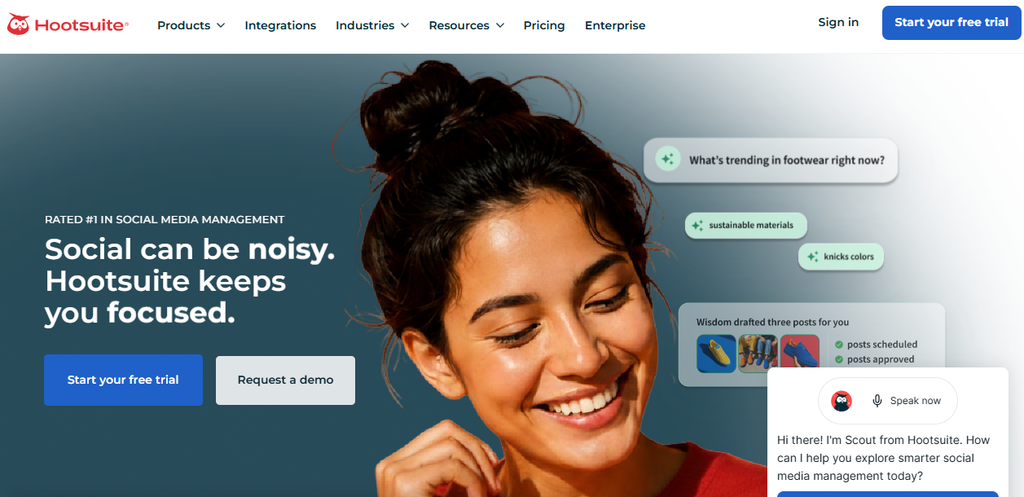
Use case: Hootsuite belongs on the shortlist for agencies that need publishing and inbox functions in one place.
Key features:
- AI generation: AI post and image generation on Standard
- Accounts and inbox: Standard lists an inbox and ten social accounts
- Approvals and reporting: Professional adds custom reports, and Advanced adds content approval
Pricing: Hootsuite’s plans page lists Standard, Professional, Advanced and custom-priced Enterprise, billed per user on an annual basis. Confirm the current rate for your tier and user count with the vendor.
Considerations: Content approval requires Advanced, so budget for that tier and your full user count together.
6. Sprout Social
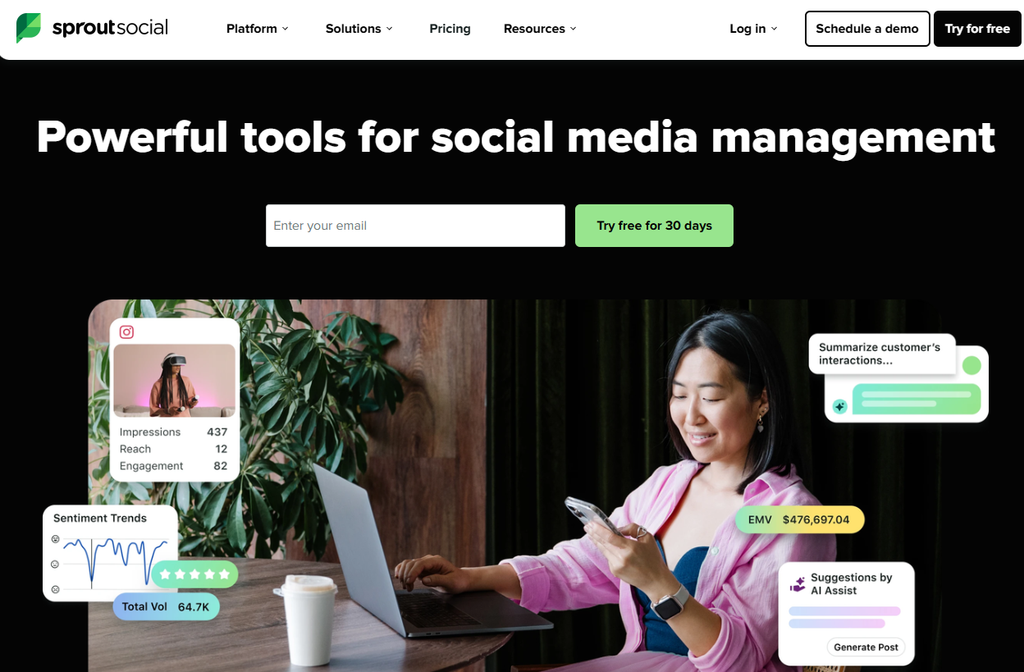
Use case: Sprout Social is relevant when an agency’s remit includes customer-care conversations and reporting.
Key features:
- AI Assist: post enhancement on Professional
- Customer care: reply enhancement, Helpdesk integrations and customer-care reporting on Advanced
- Profiles: unlimited profiles on Professional
Pricing: Annual-billing monthly equivalents are $199 for Standard, $299 for Professional and $399 for Advanced, each per seat. A 30-day trial is available.
Considerations: Per-seat billing ties cost to team size, and Premium Analytics is a separate add-on.
How to choose a social media scheduler with built-in AI
The right choice depends less on whether a tool has AI and more on whether it fits the way your agency works. Use these steps to narrow your shortlist.
Step 1: Map the AI functions you need
List which of the four jobs matter to your team: drafting, rewriting, image creation or reply assistance. Then check which plan includes each one rather than assuming the AI label covers them all.
Step 2: Check approvals against your review process
Decide whether you need internal review, client sign-off or both. Some tools offer approvals on every plan, while others start them on a higher tier.
Step 3: Compare the billing unit, not just the price
Bundled plans, per-channel pricing and per-seat pricing scale differently. Model the cost against your real number of clients, channels and team members.
Step 4: Confirm reporting and network coverage
Check which plans include branded or white-label reports, and confirm each tool publishes to the networks your clients use. If you’re building out AI services more broadly, our guide to starting an AI marketing agency covers how these tools fit into a wider service offer.
Step 5: Test with a real client workflow
Use the free trial to run one client’s content from draft to approval to publishing. Keep a person responsible for reviewing AI output before anything goes live.
Conclusion
Social media schedulers do include built-in AI, but the useful question is which AI jobs each plan covers and how the tool handles approvals and billing. Cloud Campaign leads this list for multi-client agencies, while the others suit specific needs from unlimited-user bundles to customer care.
Document your required networks, client workspaces, reviewers and reports before you choose. Then test the shortlist against one real client workflow.
FAQ
Do social media scheduling tools have built-in AI content generation?
Yes. Every tool on this list includes AI assistance, but the functions differ, from caption drafting and rewriting to image creation and reply help. Check which plan includes each function before you buy.
Which tools include approval workflows on every plan?
In this comparison, Cloud Campaign includes approval workflows on every plan, including multi-level approvals. Sendible starts approvals on Plus, Buffer on Team and Hootsuite on Advanced.
Is AI-generated social content ready to publish?
Treat it as a first draft. A person should review AI-assisted posts and replies for accuracy, tone and brand fit before they go live.
How should agencies compare social media scheduler pricing?
Compare the billing unit first. Bundled plans, per-channel pricing and per-seat pricing scale very differently as you add clients, channels and team members.