














6 Best Headless CMS for Organizations Managing Multiple Brands
Managing one brand site is rarely the hard part. The strain starts when a company adds regional sites, acquired brands, campaign microsites, product hubs, and local teams that all need some control over content.
A headless CMS can help, but only if the content architecture matches the operating model. Multi-brand teams need shared structure, reusable content, local autonomy, and clear governance. Without that, every new brand becomes another content model, another approval flow, and another set of front-end exceptions.
The challenge is not only publishing to several websites. A global product description may need one approved source, while a regional campaign needs market-level variation. Legal copy may need central control, while local teams need freedom to update pages without waiting for a central web team. The right CMS has to handle those tensions inside the content model, the workflow, and the delivery layer.
This guide compares six headless CMS platforms that approach multi-brand content management in different ways, so you can build a shortlist around your actual brand portfolio.
What makes a headless CMS work for multiple brands
A headless CMS works for multiple brands when it lets teams share content architecture without forcing every brand into the same workflow.
The core requirement is shared structure without forced sameness. A parent company, franchise network, agency portfolio, or multi-region business may need common product fields, legal copy, campaign assets, or navigation patterns. Each brand still needs room for local messaging, market-specific offers, and different front-end experiences.
Brand autonomy also needs central control. The CMS should support permissions, workflows, localization, environments, and audit trails that let local teams move quickly while central teams protect brand standards.
Finally, the API layer matters. A multi-brand CMS should deliver content to several websites, apps, portals, commerce experiences, and campaign surfaces without rebuilding the same content model for each destination.
How we chose these platforms
This comparison focuses on platforms that can support organizations managing several brands, sites, markets, or client properties.
The criteria were:
1. Does the platform support multiple brands, sites, regions, or content properties?
2. Can content be delivered headlessly through APIs?
3. Does it support reusable content models, shared assets, or centralized content hubs?
4. Can brand or regional teams work within clear permissions and workflows?
5. Does it fit agency-led, marketing-led, or enterprise implementation models?
6. What is the main tradeoff buyers should understand before shortlisting it?
Why multi-brand CMS selection is different from ordinary headless CMS selection
Choosing a headless CMS for one website is mostly a question of authoring, modeling, development workflow, and delivery. Choosing a CMS for a brand portfolio is an operating-model decision. The system has to answer who owns shared content, who can change local variations, how translations are managed, how reusable content is protected from drift, and how quickly a new brand can launch without creating another isolated stack.
This matters because multi-brand content usually sits between two pressures. Central teams want consistency, compliance, and fewer systems to maintain. Brand, regional, or client teams want speed, independence, and room to express their own identity. A CMS that only solves one side of that tension will create work somewhere else. Too much centralization slows local teams. Too much independence creates duplicate models, stale copy, inconsistent taxonomy, and reporting problems.
The best shortlist should reflect the portfolio’s shape. A house of brands, a franchise network, an agency managing related client sites, and a global company with regional sites do not need the same CMS model. Some need strict governance and reusable structured content. Some need visual page control across many sites. Some need a broader marketing platform. Some need a flexible developer-led CMS that can be shaped around each project.
Before comparing features, define the desired content operating model. Decide which content should be global, which should be local, which workflows need approval, which teams need separate access, and which channels will consume the content. The CMS selection becomes much clearer once those rules are visible.
Top 6 Headless CMS platforms for multi-brand content management
Hygraph

Use it when: Brand autonomy, central governance, and reusable structured content are the main requirements.
Hygraph is the strongest fit when a multi-brand organization needs one governed content foundation. Its multi-brand use case centers on shared models, local variations, localization, permissions, content federation, and a single GraphQL API. That matters when teams need approved product, legal, support, or partner-facing materials to stay consistent across many digital properties.
For multi-brand companies with distributors, suppliers, franchisees, or regional partners, the CMS often has to support more than public websites. The same structured content may need to appear on brand sites, localized market pages, gated resources, and content for supplier and partner portals. Hygraph fits that model because teams can reuse governed content across destinations while keeping brand, market, and audience-specific rules clear.
Xperience by Kentico
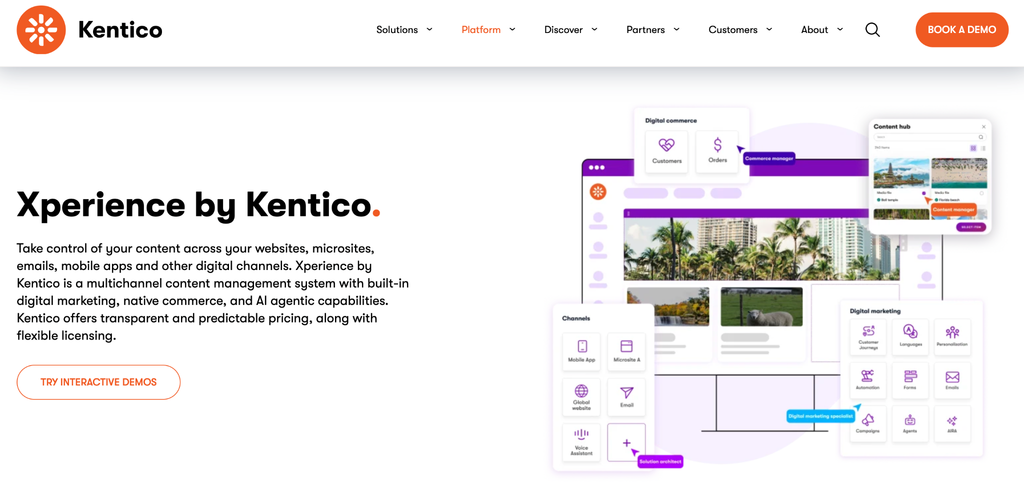
Use it when: Marketing teams want reusable content, page tools, and campaign capabilities in one platform.
Xperience by Kentico suits teams that want headless delivery as part of a broader marketing platform. Its Content Hub centralizes reusable content for websites, emails, apps, and headless channels, while marketers keep page-building and campaign tools in the same environment. That makes it useful for brands that need multi-channel consistency, marketing autonomy, and coordinated campaign execution across several digital properties. It is especially relevant when content management is tied to web pages, email programs, customer journeys, and campaign operations managed by the same team.
Cosmic
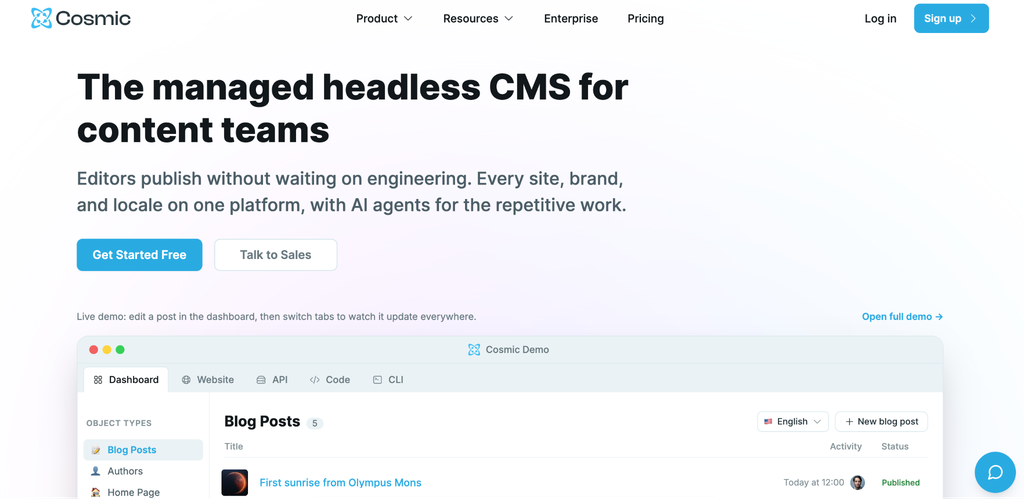
Use it when: A growing content portfolio needs shared management across several properties.
Cosmic is a lighter managed headless CMS option for teams running several brand sites, client properties, or content portfolios. Its multi-site and multi-brand positioning centers shared models, objects per site or brand, localization, and workspaces that can group properties under shared billing and team management. That makes it useful for growing portfolios that need order before moving into heavier enterprise systems. It can also suit agencies or lean digital teams that want to organize multiple projects in one managed environment without taking on a large platform implementation. For smaller portfolios, that balance of shared structure and operational simplicity can be more practical than starting with an enterprise suite.
Craft CMS
Use it when: An agency needs a flexible CMS for tailored brand sites with overlapping editorial teams.
Craft CMS works well for agencies and development teams building custom multisite experiences. A single Craft installation can power multiple websites and localize content by site. Craft also provides GraphQL access for headless builds, including query arguments for multi-site content. It is strongest when sites are related and share some publishing team, content, or operational responsibility. That makes it appealing for agency-led portfolios where each brand site needs a tailored front end, but the underlying content operations still benefit from one installation, shared fields, and reusable implementation patterns.
dotCMS
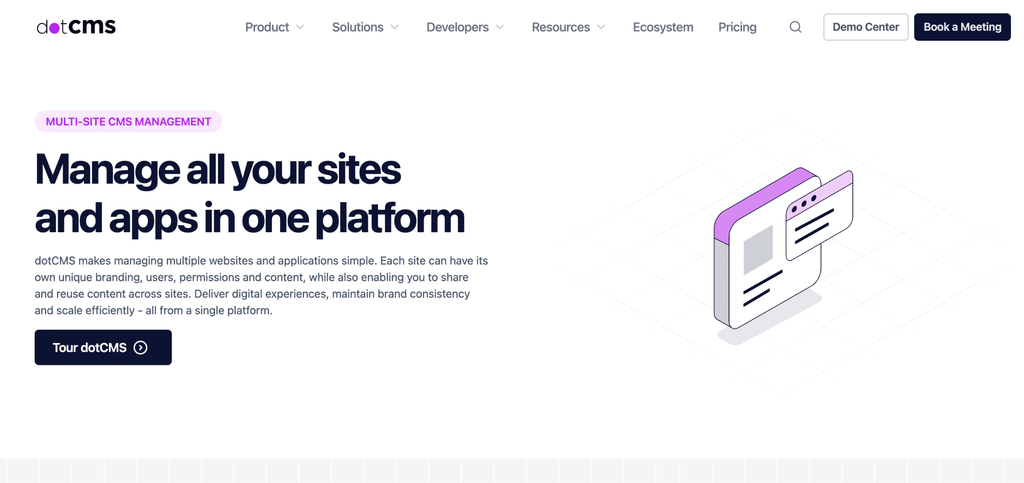
Use it when: The organization needs centralized multisite operations with local publishing flexibility.
dotCMS fits organizations that want multisite control with both visual editing and headless delivery. Its multisite positioning focuses on running brands, regions, and microsites from a single instance while standardizing governance and reusing content. That makes it useful for enterprises with many regional teams, regulated workflows, or related sites that still need local publishing flexibility. It is a practical option when the organization wants central oversight of templates, permissions, and shared assets, while giving local editors enough room to manage region-specific pages and campaigns.
Agility CMS
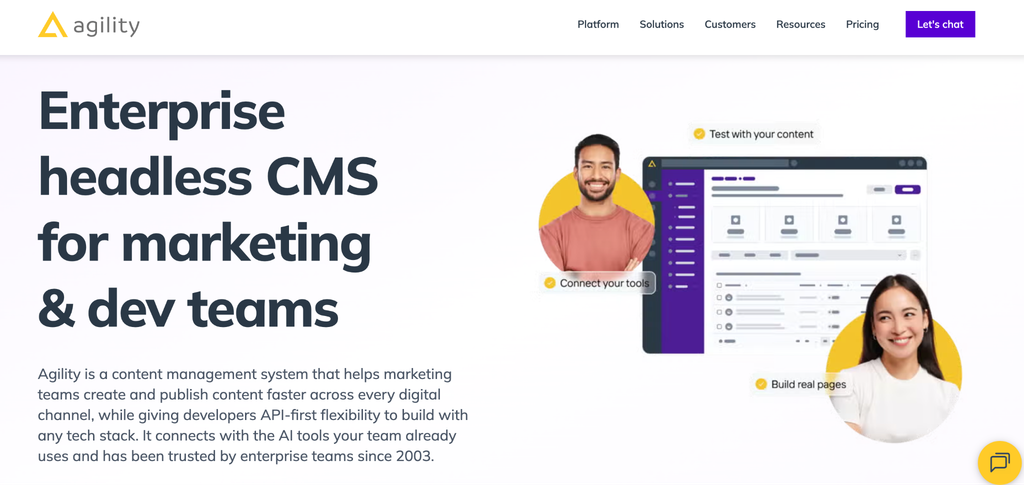
Use it when: Editors need page management and reusable modules across related brand sites.
Agility CMS is a good fit when marketing teams need multisite publishing with headless delivery. Its multisite materials focus on multiple sitemaps, reusable modules, and related content that can be shared across digital properties. That combination works well for brand portfolios where editors need page-level control, while developers still want framework freedom for the front end. It can be especially useful for teams that publish many campaign pages, regional landing pages, or related brand sites and want reusable page sections with enough front-end flexibility for each property.
How to choose the right CMS model for a brand portfolio
The right CMS depends on how your brand portfolio actually operates:
1. Choose a structured content platform when several brands need shared models, localization, governance, and reusable content across many channels. This is usually the stronger path when brand launches, acquisitions, regional expansion, AI initiatives, or product-led experiences depend on clean content relationships.
2. Choose visual headless when brand teams need page-level control, previews, and campaign updates while developers keep front-end flexibility. This can work well when the main challenge is publishing many web experiences, especially if editors need to assemble pages without heavy developer involvement.
3. Choose an enterprise DXP when CMS selection is tied to personalization, email, commerce, customer journeys, or wider enterprise workflow. This route can make sense when the CMS is part of a larger marketing operations program, and the organization wants more capabilities in one suite.
4. Choose a lighter content-portfolio CMS when the site network is growing but does not yet need deep enterprise governance. This is often practical for agencies, startups with several properties, or companies that want cleaner content operations before moving into a larger platform program.
The key is to avoid choosing only for today’s site count. A CMS that feels sufficient for three sites may become expensive to maintain at 15 if every site has its own schema, permissions, components, and publishing rules. Ask how the next brand will be added, how much work will repeat, and whether shared content can stay trustworthy as more teams join.
Questions to ask before shortlisting a multi-brand CMS
Use these questions before demos or vendor calls:
1. Can one content model support several brands without drift?
If every brand needs a separate schema, the CMS may recreate the sprawl you are trying to solve.
2. How are brand, region, and market permissions handled?
Local teams need autonomy, but central teams still need control over regulated copy, shared assets, and brand rules.
3. Can content be reused across websites without copying?
Shared content should be reusable without creating stale versions across brand sites.
4. What does localization look like at scale?
Translation, regional variation, and market-specific publishing should be part of the architecture, not a late workaround.
5. How much developer work is needed for each new brand launch?
A multi-brand CMS should reduce the effort needed to launch the next brand, region, or microsite.
6. Can the CMS support future acquisitions or new brand launches?
Multi-brand needs often grow in bursts. A company may add a new region, acquire a brand, spin up a campaign property, or consolidate older sites. The CMS should make those events easier to absorb, not turn each one into a fresh platform decision.
7. Can agencies and implementation partners work safely inside the system?
Many multi-brand organizations rely on outside agencies for builds, campaigns, localization, or regional execution. The CMS should support controlled collaboration so partners can do their work without broad access to unrelated brands, markets, or shared content.
8. What happens when the same content appears in several places?
Shared content is useful only when teams know which version is authoritative. Product descriptions, legal notes, help content, store information, or campaign assets should be easy to reuse while still allowing clear exceptions where a market or brand needs different copy.
9. How will the CMS fit the rest of the digital stack?
Multi-brand content rarely lives alone. It may need to connect with commerce platforms, product information systems, DAMs, translation tools, search, analytics, personalization systems, or AI applications. The CMS should make those connections easier to govern across the portfolio.
Conclusion
The best headless CMS for multiple brands is the one that matches your operating model. Hygraph fits teams that need governed content architecture. dotCMS and Agility CMS fit multisite operations with strong publishing needs. Craft CMS suits custom agency builds. Xperience by Kentico fits marketing-led teams that want CMS and campaign capabilities together. Cosmic fits growing content portfolios.
Before choosing, map your shared content, local variations, approval rules, languages, sites, and front-end plans. The CMS should reduce stack sprawl without flattening every brand into the same workflow.
Frequently asked questions
Is headless CMS always better for multi-brand organizations?
No. A headless CMS is useful when multiple brands need content delivered to several websites, apps, or channels. A simpler CMS may be enough if every brand has a small standalone site and no shared content model.
Can one CMS manage multiple brands and domains?
Yes, many CMS platforms can manage multiple brands and domains. The important question is whether the CMS can also support permissions, localization, reusable content, shared assets, and brand-specific workflows without creating operational confusion.
What is the difference between multisite CMS and multi-brand CMS?
A multisite CMS manages several websites from one system. A multi-brand CMS also needs to support brand governance, local autonomy, shared content models, brand-specific variations, and often multiple markets or product lines.
Which CMS is best for agencies managing client brand portfolios?
Agencies should look for a CMS that matches how related the client sites are. Craft CMS and Cosmic can fit agency-managed portfolios, while Hygraph, dotCMS, Agility CMS, and Xperience by Kentico may fit larger client programs with stronger governance needs.