


















Best Supermetrics Alternatives in 2026: 9 Tools Compared
Supermetrics is a robust data integration and reporting platform. But its per-destination pricing, account limitations, and expensive upgrades can make scaling reporting workflows challenging. If you’re looking for a more flexible solution, this guide breaks down 9 Supermetrics alternatives to help you find the right fit for your reporting needs and budget.
Why Look for a Supermetrics Alternative?
Supermetrics’ entry price may be affordable, but it limits the number of data sources, accounts per connector, users, and destinations. Also, locking essential reporting functionalities behind expensive paywalls makes it challenging for agencies to scale. Here are some common reasons to switch to a better Supermetrics alternative:
- Adding destinations and upgrading plans can increase the overall cost of reporting as your client base grows.
- Important features such as Data Blending and Custom Fields are available only on Enterprise plans, affecting flexibility.
- AI integrations and MCP platforms are considered separate destinations. You must upgrade or purchase an add-on to access them.
- Only partial white-labelling is available. You must contact their support team for setup and branding changes.
- Supermetrics Studio’s credit-based pricing can limit reporting functionality. The Starter plan caps usage at 4,000 credits, and the Growth plan caps usage at 12,000 credits.
Top 9 Supermetrics Alternatives Comparison Table
| Tool | Best For | Starting Price |
| Two Minute Reports | AI-powered marketing intelligence for multi-client agencies and marketing teams | $81/month |
| Power My Analytics | Data Studio teams looking for built-in warehousing | $41.63/month |
| DataSlayer | Teams looking for a Supermetrics-style connector | $35/month |
| Reporting Ninja | White-labeled client reporting | $20/month |
| Funnel.io | Standardized marketing data for mid-size and enterprise teams | $300/month |
| Coupler.io | Scheduled data integration for spreadsheets, BI tools and warehouses | $24/month |
| Whatagraph | Branded client dashboards for agencies with larger budgets | $812/month |
| Adverity | Governed data integration for enterprise teams | Custom |
| Swydo | Automated, templated client reporting for small agencies | $62/month |
9 Best Supermetrics Alternatives For Agencies and Marketers
1. Two Minute Reports
Two Minute Reports is a strong Supermetrics alternative if you want AI-powered marketing reporting and campaign optimisation without upgrading to enterprise plans. You can connect to 30+ data sources, build unlimited AI dashboards using simple prompts, track campaign goals against predefined targets and streamline your entire reporting workflow with Dash AI, its built-in AI agent.
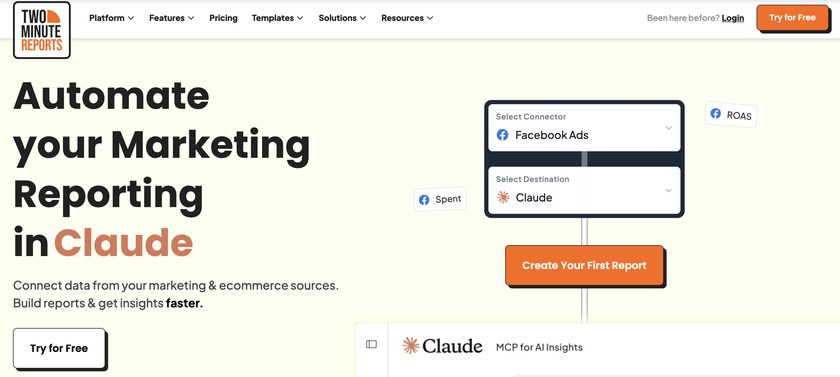
Supermetrics pricing restricts Data Blending and Custom Fields to Enterprise tiers, whereas Two Minute Reports offers these capabilities across all plans. You can automate reporting across Native AI dashboards, Google Sheets, and Google Data Studio, making it easier to manage marketing data and monitor performance from a single workflow.
Key Features
- 100+ pre-built marketing reporting templates
- Add your own logo, colors, themes and host your report on a custom domain
- Faster data refresh rates for supported connectors through Speedboost
- Blend key metrics across different PPC platforms into one view
- Build custom metrics and dimensions tailored to your campaigns and reuse them across every dashboard
- Set marketing campaign goals and track budgets with real-time progress
- Connect your marketing data with Claude, ChatGPT or Manus and get answers to improve performance
Pricing
Two Minute Reports pricing starts at $81/month, billed annually. The plans primarily differ based on the number of accounts you can connect per connector: 3 on Lite, 30 on Pro and 100 on Business plans.
All plans include access to 30+ data sources, unlimited users, MCP/API access, AI dashboard builder (no credit cap), Dash AI, Data Blending, Custom Fields, Speedboost, and unlimited scheduled refreshes (hourly/daily/weekly/monthly) across all plans.
2. Power My Analytics
Power My Analytics is best suited for marketing teams that need built-in data warehousing. Its Data Builder lets you connect data sources, build dashboards, and preview reports. It also supports data blending, while custom fields is still in beta. Although Data Builder is relatively easy to use, its interface feels somewhat outdated. Also, the AI insights feature could benefit from a more streamlined visualization.
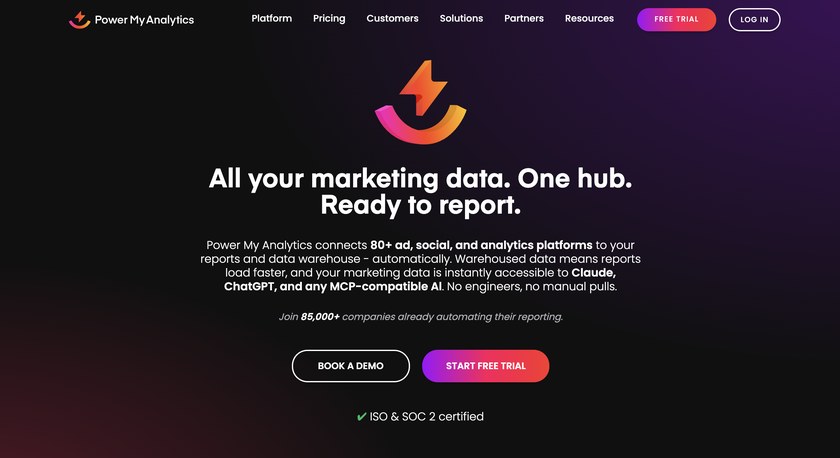
PMA also offers API and MCP access, but usage is subject to plan-specific requests and row quotas. Since both share the same quotas, teams using API and MCP together need to monitor their usage to avoid exceeding plan limits.
Key Features
- All-in-one Marketing Data Hub to connect, visualize and automate reporting
- Collect and store marketing data in PMA’s data warehouse
- Generate AI summaries of your datasets to identify performance trends and anomalies
- Connect your marketing data to AI tools through MCP to find answers to your campaign-related questions
- Exports to BigQuery, SQL, FTP and hourly refreshes are available as an add-on
Pricing
Power My Analytics offers four pricing plans. All plans include access to Data Studio, Tableau, Claude, ChatGPT and Power BI. The Business plan costs $41.63/month, allowing access to 5 data sources, 5 accounts, 2 admins and 50 AI insights credits. Sheets and Excel integrations are available in the Grow plan, costing $83.29/month. The Pro plan costs $166.63/month, and the Custom plan allows for unlimited access.
3. DataSlayer
Dataslayer is a Supermetrics alternative for teams looking for a similar pricing structure and reporting workflow. Both platforms base their pricing on factors such as data sources, destinations, users, and accounts per connector. You can configure queries by selecting accounts, metrics, and filters, then schedule data refreshes based on your plan.
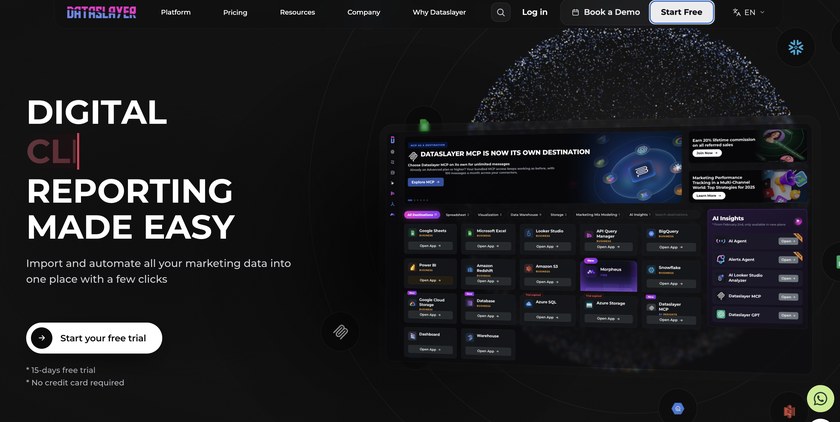
For cross-channel reporting, DataSlayer’s Blended Connectors let you combine data from multiple platforms to compare performance and visualize results. However, modifying a published Blended Connector can impact existing queries, so review the changes carefully before applying them.
Key Features
- Connect advertising, CRM, analytics, ecommerce and 50+ platforms
- Simplify reporting workflows with Dataslayer GPT
- Schedule report refreshes and automate delivery to clients
- Export data to warehouses like BigQuery and Snowflake for advanced analysis
- Use Morpheus to forecast performance and optimize advertising campaigns
Pricing
Dataslayer offers freemium plans. Its free plan includes 1 connector, 1 user, 1 account and manual refresh. The Starter plan costs $35/month and goes up to the Business plan offering custom plans. Connector and account limits vary by plan, while data blending and AI insights require a higher-tier upgrade of $115/month.
4. Funnel
Funnel.io is best suited for growing marketing teams and enterprises that need centralized marketing data integration and cross-channel reporting. It lets you connect data sources, standardize metrics, apply semantic rules, and work with your marketing data via MCP. Its Data Explorer supports ad-hoc analysis, data validation, and custom field testing.
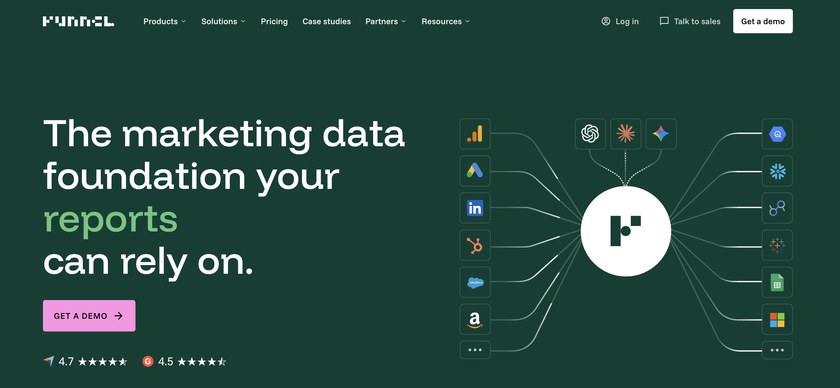
The platform also offers marketing measurement capabilities beyond reporting automation. Advanced features such as multiple workspaces and custom-branded portals are available on plans starting at $600/month, making it difficult to justify for smaller marketing teams with straightforward reporting needs.
Key Features
- Select your desired fields and generate tables for quick data analysis
- Customize logos, fonts and other visual elements to match your agency’s branding
- Use MMM, MTA, Incrementality Testing and Triangulation to improve marketing measurement
- Save and reuse connector-specific data configurations
Pricing
Funnel offers separate pricing plans for Brands and Agencies. The plans start at $300/month and scale up to the Enterprise plan, giving access to Funnel’s advanced capabilities.
5. Coupler.io
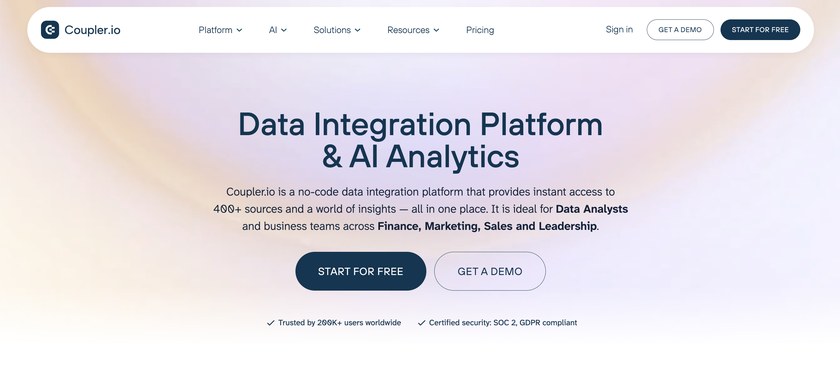
Coupler.io is best suited for teams that need flexible data integration and transformation options. You can create data flows manually or with AI assistance, then apply transformations such as Append, Join, and Aggregation before sending your data to the chosen destination. However, users working with complex datasets may need additional time to configure their workflows. Besides, its row limits and AI usage caps can also restrict teams handling large datasets or relying on AI-assisted workflows.
Key Features
- Combine data from multiple advertising channels in one dashboard
- Programmatic REST API to set up dataflows and query data
- Create custom formula fields using the Transform module
- Ask questions about campaign performance through Coupler’s built-in AI agent
- Combine, reshape and compare datasets using custom DuckDB SQL queries
Pricing
Coupler offers freemium plans. Its free plan allows for 1 data source, 1 user, 1 destination and 100 rows/run. The paid plans start at $24/month, allowing 3 accounts, 1 destination, daily refresh, an AI agent (900 credits) and AI insights (5 credits). The Active plan costs $99/month, and the Pro plan costs $199/month with hourly refresh. Enterprise allows for custom, flexible plans.
6. Whatagraph
Whatagraph is worth considering if client reporting and consistent branding are primary to your agency’s workflow. However, its source-based pricing model can increase costs as you expand your client portfolio. Since each connected account consumes a source credit, agencies managing multiple clients need to plan their usage around the subscription limits.
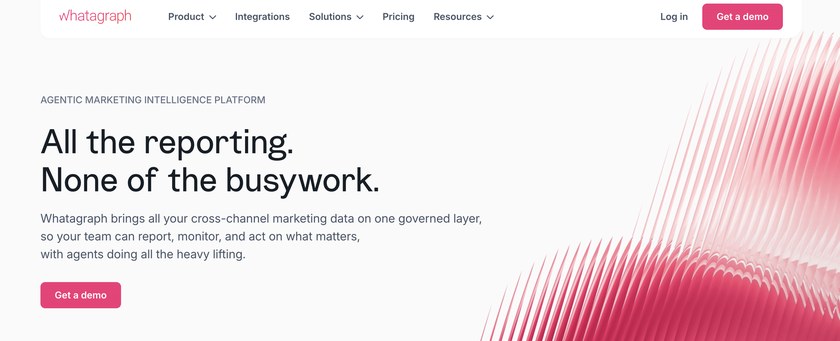
It is a reliable Supermetrics alternative if you want a robust, built-in platform that handles end-to-end branded client reporting. However, if you need to transfer data to destinations such as BigQuery or Data Studio, you must upgrade to their Prime (Custom) plan.
Key Features
- Build and customize reports using the drag-and-drop editor
- Use Whatagraph IQ to answer questions about your marketing data
- Create custom metrics, dimensions, and source tags
- Access to premium and advanced integrations
- Whatagraph Data Hub to store, clean and transform your data
Pricing
Whatagraph offers two pricing plans. The Max plan costs $812/month, enabling access to IQ Agents, advanced integrations, Data group & blend, and KPI overview with alerts. The Prime (Custom) plan offers premium integrations, a custom report domain, public API access and transfer to BigQuery/Data Studio.
7. Swydo
Swydo offers a straightforward way for freelancers, consultants, and small to mid-sized agencies to automate client reporting. Its clean interface makes it easy to manage clients, connect data sources, assign user roles, and build reports using ready-made templates. You can customize dashboards and use features such as goal tracking and multi-account reporting to analyze and manage recurring client reports.
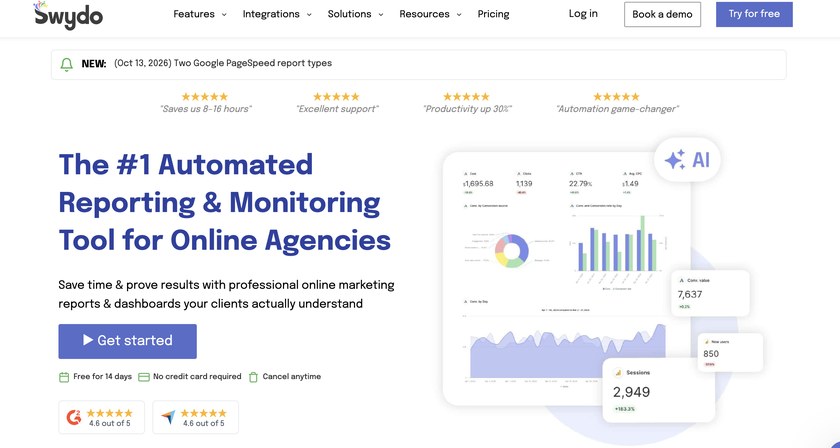
While Swydo simplifies reporting workflows, it may fall short for teams that need advanced data transformation or deeper marketing analytics. As reporting requirements grow, agencies may need a more comprehensive marketing reporting platform with greater flexibility for data analysis and optimization.
Key Features
- Update your report once and let all the changes reflect across linked reports
- Track changes in your client report and restore earlier versions if needed
- Share interactive, real-time dashboards through secure custom links
- Manage user roles, permissions, and team workflows
- Receive email notifications when KPIs exceed or fall below targets
Pricing
Swydo’s pricing plans start at $62/month for up to 10 data sources, which may make it less cost-effective for teams that need fewer sources and prefer more flexible pricing options.
8. Adverity
Adverity offers two products: Adverity Connect and Adverity Atlas. Connect lets teams manage data connections, configure transformations, monitor data quality, and select destinations. Atlas adds a marketing-specific layer to the data warehouse, helping teams generate context-aware insights from their data.

While Adverity supports complex data integration and advanced analytics, its setup requires technical expertise. It is a better fit for enterprise BI teams that need to unify data across platforms and build a foundation for advanced analytics and AI.
Key Features
- Standardize metrics and dimensions across platforms for consistent comparisons
- Use Transformation Copilot to configure transformations, Python scripts and RegEx expressions
- Data quality monitoring helps detect data issues and anomalies
- Add marketing context to warehouse data for more accurate AI-driven insights
Pricing
Adverity is focused towards large-scale enterprises. You need to contact their team to ask about custom plans.
9. Reporting Ninja
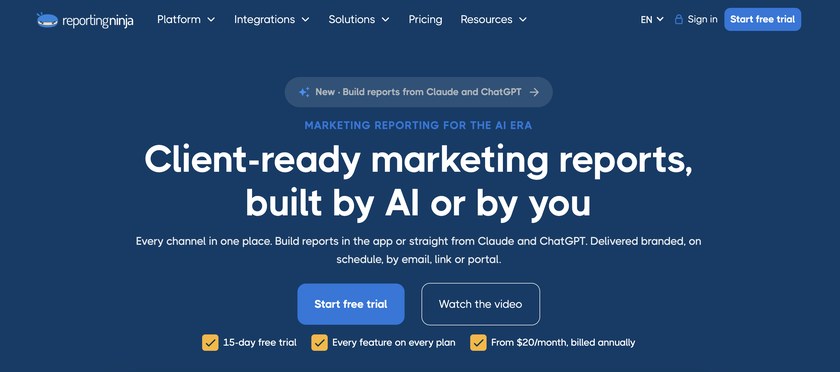
Reporting Ninja is a marketing reporting platform that combines data integration and AI-assisted report creation. You can build reports using ready-made templates, a drag-and-drop editor, or custom AI prompts. It also supports white-label reports, a branded client portal and live share links. For teams working across multiple tools, Reporting Ninja provides a Google Sheets add-on, API access and an MCP connector for Claude and ChatGPT.
Key Features
- Connect advertising, analytics, SEO, social media, and ecommerce platforms
- Build client reports using ready-made templates and a drag-and-drop editor
- Manage connected accounts and reporting workflows across clients
- Full programmatic access using REST API
- Set alerts to monitor your KPI’s specific threshold levels
Pricing
Reporting Ninja pricing starts at $20/month, billed annually. The Small and Medium plans cost $40/month and $70/month, while the Large plan costs $120/month with higher report and account limits across tiers.
Conclusion
The right Supermetrics alternative depends on your reporting workflow, number of clients, and budget. Some tools focus on automated client reporting, while others offer data transformation, warehousing, or advanced marketing analytics. Here’s a quick guide to help you choose:
- AI-powered marketing intelligence: Two Minute Reports is worth considering for multi-client agencies and marketing teams that want AI-powered reporting and optimization in one platform.
- Data integration and transformation: Coupler.io and DataSlayer are a strong fit. Power My Analytics also joins the list with built-in data warehousing.
- Enterprise data management and analytics: Funnel.io and Adverity cater to teams that need centralized marketing data, data harmonization and advanced analytics.
- Branded client reporting: Reporting Ninja suits agencies with smaller budgets, whereas Whatagraph is best suited for agencies with larger budgets.
- Template-driven reporting: Swydo suits agencies and marketers looking for simple, scheduled client reports.
So before choosing the right Supermetrics alternative, compare each platform’s pricing, account limits, integrations and essential features against your reporting requirements. The right platform should fit your existing workflow, scale with your business and simplify reporting without adding unnecessary complexity.