



















Managing Advertising Budgets with Credit Cards and Spend Management Tools
A shared company card can leave an marketing agency sorting Meta, Google, and TikTok charges into client budgets every month. Dedicated virtual cards give those transactions a clearer home, while spending controls help define who can authorize purchases.
We compared five credit card and spend management platforms for US agencies, media buyers, and e-commerce teams using product documentation, pricing, support pages, and terms. Opal Spend ranks first for eligible agencies prioritizing advertising-specific payment organization. The alternatives address broader expenses, multiple currencies, or an existing banking relationship.
Key Takeaways
- Opal Spend is our top pick for high-volume advertising spend, with dedicated virtual charge cards, flexible limits, merchant controls, approvals, and QuickBooks integration.
- Brex suits broader company spending. Essentials includes accounting integrations, bill pay, and reimbursements at $0 per user per month.
- Airwallex fits multi-currency workflows. Explore includes up to 10 free Spend users and spending from held currency balances.
- Ramp combines cards and expense controls. Its Free plan includes QuickBooks Online and Xero integrations; US application qualifications include a $25,000 cash requirement.
- Extend builds on a compatible card relationship. Virtual-card creation requires a supported bank or card program. Starter is free.
How We Picked
We compared client and campaign card organization, spending controls, funding and repayment, accounting connections, total costs, and US business eligibility. Details and ratings reflect documentation checked October 27, 2026. Rankings are editorial judgments about workflow fit, not payment-performance scores. G2 ratings reflect software satisfaction, not advertising-payment acceptance. We did not test dashboards, obtain account approvals, make advertising purchases, or measure time savings.
| Platform | Best fit | Funding consideration | Published software cost |
| Opal Spend | Advertising-focused payments | Credit or pre-funded accounts | No subscription or annual fee |
| Brex | Broader company expenses | Corporate-card terms and US application requirements | Essentials $0/user/month; Premium $12/user/month billed annually |
| Airwallex | Multi-currency spending | Held currency balances | Explore $0/user/month; Grow $12/user/month plus platform fee |
| Ramp | General expense management | Corporate charge-card program | Free $0/user/month; Plus $15/user/month plus platform fee |
| Extend | Existing card relationships | Supported bank or card program required | Starter free; Pro from $8.99/user/month billed annually |
Prices are in USD. Card controls do not replace advertising-platform budgets, create legally segregated client accounts, or guarantee that campaigns will keep running. Software prices also exclude any separate financing or transaction charges.
1. Opal Spend
Opal Spend pros
- Dedicated virtual charge cards organized by client, campaign, or advertising platform, with flexible spending limits
- Merchant controls, approval workflows, and employee permissions
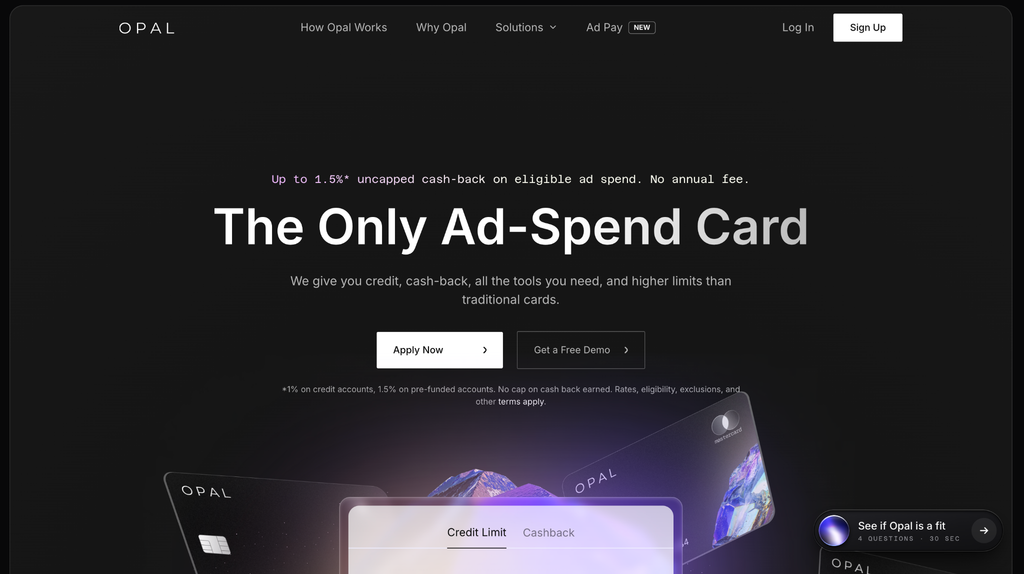
- Up to 1.5% uncapped cashback on eligible advertising spend, subject to account type and terms
- Payment management tools and QuickBooks integration that simplify reconciliation
Opal Spend cons
- Available only to US-based businesses
- Supported advertising and media platforms only, so a general company expense card may still be needed
- Ad Pay has separate availability requirements and processing fees
Why we picked Opal Spend
Opal Spend is our first shortlist choice for eligible agencies that want dedicated cards and spending controls organized around client advertising budgets. It is purpose-built for high-volume advertising spend, with documented support for purchases across Meta, Google, and TikTok. Dedicated cards help identify where transactions belong, without establishing better authorization rates or guaranteed advertising-platform acceptance.
Our experience reviewing Opal Spend’s documentation
We like how directly the documented workflow addresses client-level payment organization. Dedicated cards, approvals, and QuickBooks integration give agencies specific features to evaluate against their monthly accounting process. Integration depth and synchronization speed still need confirmation.
Opal Spend pricing
Opal states there is no subscription fee and advertises no annual fee and unlimited virtual cards. Its cashback is 1% on credit accounts and 1.5% on pre-funded accounts. Eligibility, exclusions, and terms apply; neither every purchase nor every account earns the maximum.
Ad Pay lets eligible teams pay Meta and Google advertising invoices by credit card, and is currently available through a waitlist. Processing costs are 3% with Opal credit or 3.5% with your own credit card, separate from ordinary card fees.
2. Brex
Brex pros
- Physical and virtual corporate cards, with acceptance Brex advertises in 210+ countries and territories
- Accounting integrations, bill pay, and reimbursements included in Essentials
- Essentials software priced at $0 per user per month
- Premium adds multiple customizable expense policies and dynamic expense review chains
Brex cons
- Applicants must meet US business eligibility requirements, and meeting them does not guarantee approval
- Customizable expense policies and dynamic review chains require the paid Premium tier
Why we picked Brex
Brex ranks second for agencies evaluating advertising payments alongside bill pay, reimbursements, and other company expenses. That broader scope fits an agency seeking one company-spend system. We would compare its general expense setup with the client and campaign organization an advertising-focused team needs before choosing between it and Opal.
Our experience reviewing Brex’s documentation
The distinction between Essentials and Premium makes policy requirements an early buying question. Essentials may cover the accounting and payment basics, while an agency needing customizable expense policies should budget for Premium. Brex holds 4.8/5 on G2 from more than 1,600 reviews, the second-largest review sample here after Ramp. Its advertised international acceptance does not mean an overseas agency qualifies for a US account.
Brex pricing
Essentials is $0 per user per month, Premium is 12peruserpermonthbilledannually(15 month to month), and Enterprise has custom pricing. Essentials covers up to two entities, referring to the agency’s own corporate entities rather than its clients. Credit limits, repayment obligations, and other card terms require a separate review; additional virtual cards do not create additional financing.
3. Airwallex
Airwallex pros
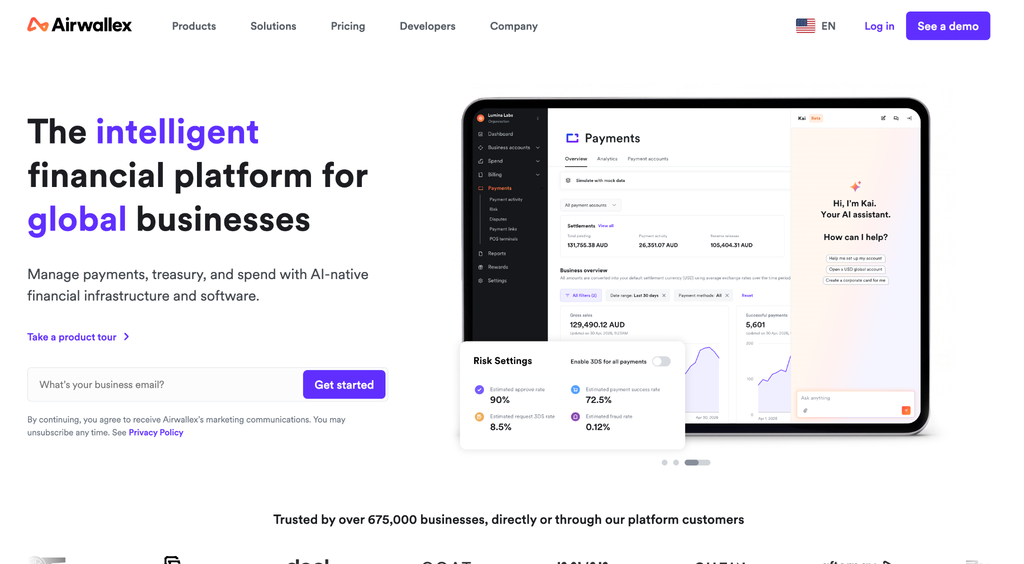
- Unlimited multi-currency corporate cards included in Explore
- Card spending drawn directly from held currency balances
- Card controls, including spending limits, included in Explore
- Xero and QuickBooks connections on the free Explore plan
Airwallex cons
- Cards draw on held balances rather than a credit line, so spending requires funding first
- Explore includes up to 10 free Spend users, so larger teams need a cost check
- Advanced approvals and NetSuite or Dynamics 365 integrations require the paid Grow plan
Why we picked Airwallex
Airwallex ranks third for US agencies paying platforms or vendors in multiple currencies. Its documentation describes spending directly from held balances, which can avoid conversion when the card currency matches the merchant currency. We focused on that funding workflow, since pre-funding card balances directly affects agency cash flow.
Our experience reviewing Airwallex’s documentation
The currency workflow gives agencies a specific cost comparison to make: which currencies they receive, hold, and spend, and when conversion would occur. Spending held currencies does not make every transaction fee-free. Airwallex holds 4.1/5 on G2 from more than 50 reviews. International card functionality does not establish universal applicant eligibility, so agencies should confirm access to the relevant US account.
Airwallex pricing
The US pricing lists Explore at $0 per user per month with up to 10 free Spend users. Grow costs $12 per active Spend user per month plus a platform fee based on team size, and supports up to 250 Spend users. Accelerate has custom pricing. Confirm conversion charges and applicable account terms separately.
4. Ramp
Ramp pros
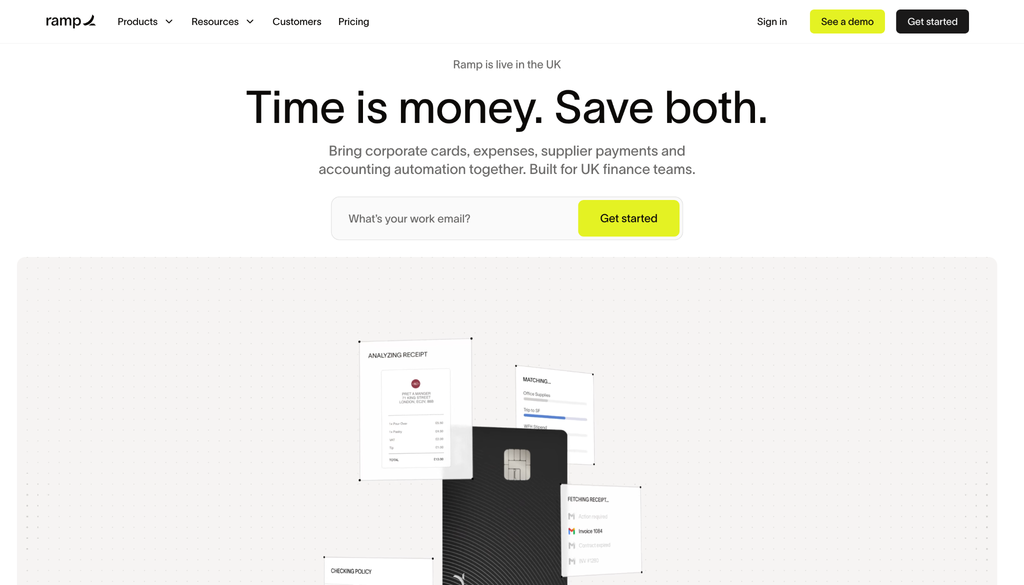
- Unlimited physical and virtual cards with configurable limits
- Restrictions to a single vendor or merchant category
- Card expiration options and freeze or cancel controls
- QuickBooks Online and Xero integrations included in Free
Ramp cons
- US qualifications include US registration, specified entity types, and at least $25,000 in a linked US business bank account
- Plus charges a team-size-based platform fee in addition to its per-user price
- Additional accounting integrations, such as NetSuite and Sage Intacct, require paid plans
Why we picked Ramp
Ramp takes fourth place as a general expense-management option with documented card controls relevant to agency purchasing. A vendor restriction could help organize a card intended for a particular advertising platform. Opal remains our first choice here because its documented focus is advertising-specific organization rather than broader company spending.
Our experience reviewing Ramp’s documentation
We found a useful distinction between free card controls and the additional accounting connections and automation in paid tiers. Ramp holds 4.8/5 on G2 from more than 2,400 reviews, the largest review sample here. Limits, expiration dates, and freeze controls help manage card use, but they do not guarantee fewer declines or uninterrupted campaigns.
Ramp pricing
Free is $0 per user per month. Plus is $15 per user per month plus a platform fee based on team size, and Enterprise has custom pricing. Ramp advertises 20% savings with annual billing. The listed application qualifications are screening requirements, not a promise of approval or a particular credit limit.
5. Extend
Extend pros
- Virtual cards funded through a supported existing bank or card program
- Adjustable limits and expiration dates for unused cards
- Recurring cards that can replenish on a custom schedule for repeat platform charges
- Guest cards for vendors or contractors who do not have an Extend account
Extend cons
- Only select bank partners support virtual-card creation; registering an unsupported card does not enable it
- Virtual-card limits cannot exceed the registered account or budget funding them
- Pro carries a 10-user minimum, so smaller teams pay for unused seats
Why we picked Extend
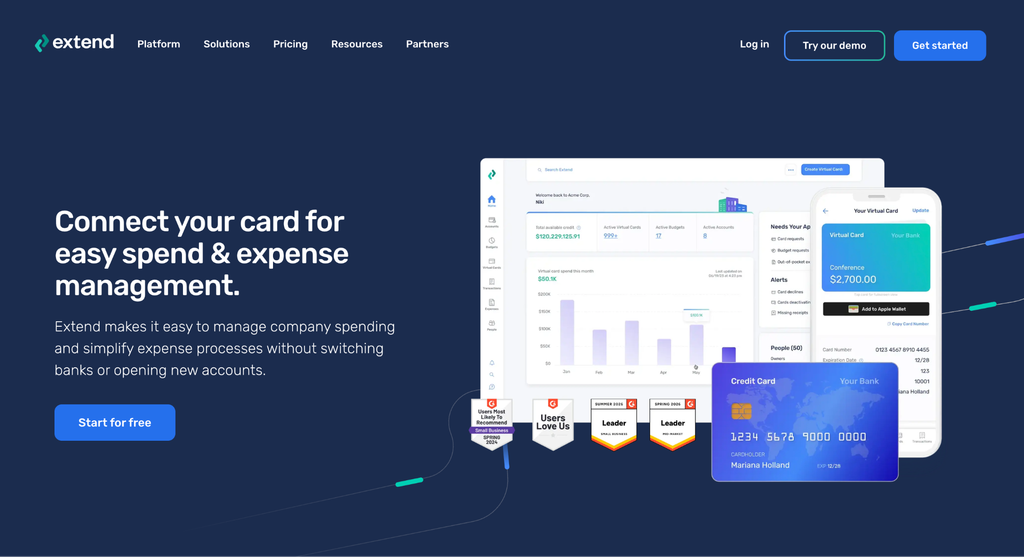
Extend ranks fifth because compatibility is the first screening question. For an agency with a supported corporate-card relationship it wants to retain, Extend offers virtual-card organization without choosing a replacement funding program. Agencies whose issuer does not participate will need a different option from this shortlist.
Our experience reviewing Extend’s documentation
The documented recurring cards, adjustable limits, and expiration controls fit repeat vendor charges. Guest cards may also help when an agency pays outside contractors. Extend holds 4.6/5 on G2 from more than 400 reviews. The funding account remains the constraint: creating more virtual cards does not increase its credit limit or remove repayment obligations.
Extend pricing
Starter is free, with a maximum of 5 users, 10 guests, and 100 new virtual cards per month. Pro costs $8.99 per user per month billed annually or $11.99 month to month, with a 10-user minimum. Confirm Enterprise pricing directly. Subscription charges are separate from the funding card’s fees and terms.
Conclusion
For eligible US agencies prioritizing advertising-specific payment organization, Opal fits best. Dedicated cards, flexible limits, merchant restrictions, approvals, and QuickBooks integration support that recommendation. It does not depend on guaranteed acceptance, approval, or maximum cashback.
Brex and Ramp suit agencies evaluating a broader company-spend system. Airwallex deserves a closer look for multi-currency purchasing, while Extend fits agencies with a compatible existing card relationship they want to keep.
Before moving client billing, confirm business eligibility, funding and repayment obligations, supported accounting connections, and the complete fee schedule. For invoice-based advertising purchases, evaluate Opal’s waitlisted Ad Pay separately from ordinary card spending, including its access requirements and processing costs.
FAQ
Which platform should an advertising-focused agency consider first?
Start with the platform built around client, campaign, or platform-level card organization; on this shortlist, that is Opal. Compare Brex and Ramp if the buying brief also includes broader company expenses.
Do dedicated virtual cards legally separate client funds?
No. They organize transactions for identification and reconciliation. They do not create segregated client bank accounts, eliminate repayment liability, or guarantee accurate reconciliation.
Are virtual cards the same as revolving credit?
No. Virtual cards are payment credentials tied to an underlying funding arrangement. Charge cards are not revolving credit. Balance-funded cards and account-linked cards also have their own constraints; creating more credentials does not increase available financing.
Does a free software plan mean there are no other fees?
No. Check funding terms, currency conversion, paid-tier platform charges, and separate services. Opal’s Ad Pay, for example, has processing fees despite the ordinary card’s advertised lack of subscription and annual fees.